Overview
This project connected a practical publishing workflow to an in-context AR viewer/editor. Rather than hard-coding a single experience, the goal was to create a reusable platform where spatial content could be authored, updated, and deployed across real locations.
Content types
3D models, video, images, and text all needed to coexist in one placement pipeline.
Coverage
The platform had to handle outdoor geospatial contexts and mapped indoor spaces.
Content updates
Non-developers needed a path to update content without shipping a new app build.
Challenge
AR demos often break once content becomes operational. Placing one object in one scene is very different from supporting multiple media types, maintaining location accuracy, and making the whole thing manageable from a web-based content system.
Approach
I split the work into two coordinated surfaces:
- a web CMS for uploading, organizing, and assigning content
- a mobile AR client for viewing, positioning, and refining that content in place
- a cloud-backed persistence layer so placement changes remained consistent across sessions and devices
Implementation
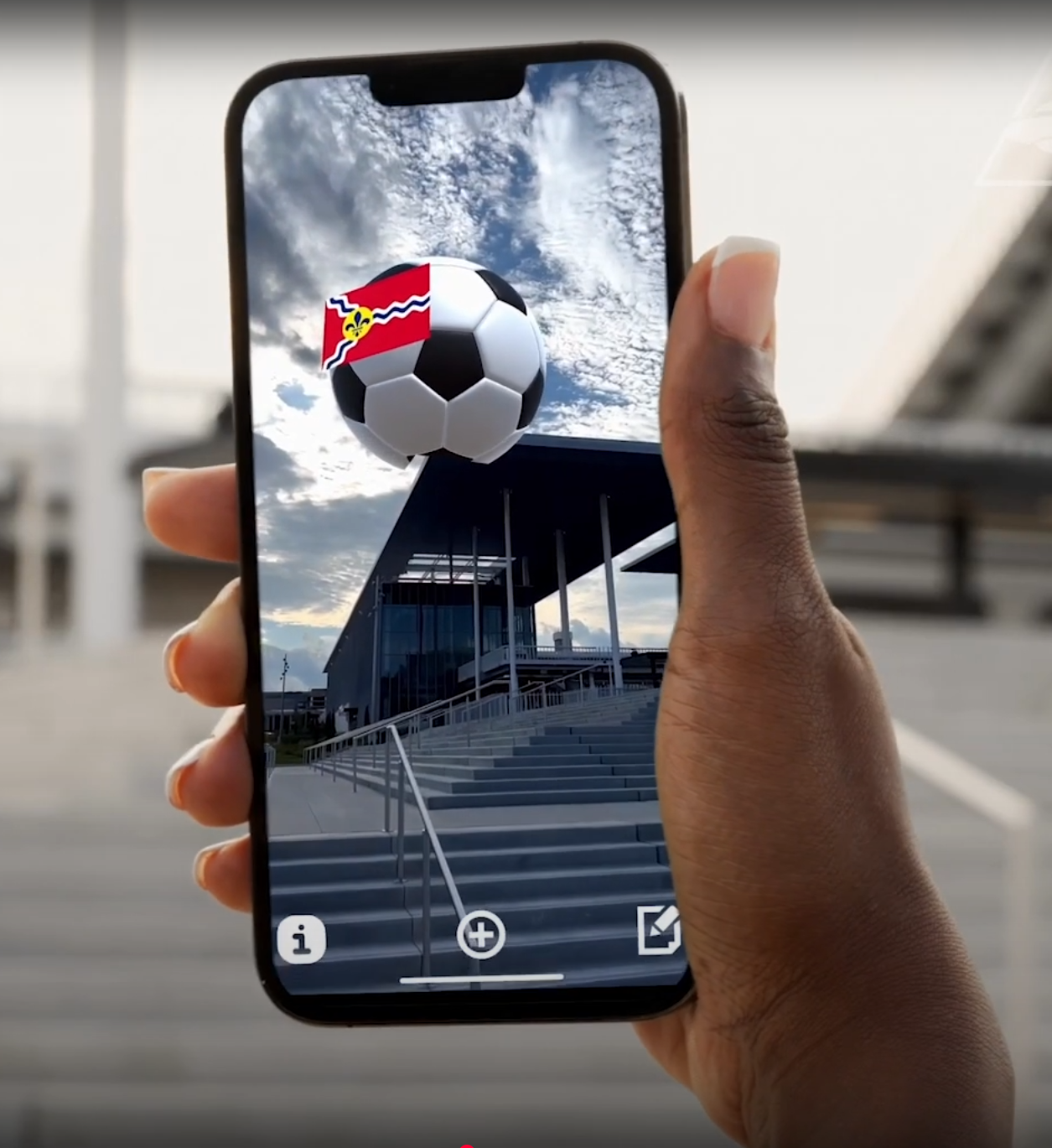
I built a geospatial AR mobile app that integrates with a web CMS. Users can upload 3D models, video, images, and text, then assign those assets to specific real-world locations. The app supports outdoor placements like streets or parks, plus indoor environments through cloud anchors for mapped interiors.
The mobile interface lets users fine-tune content placement in augmented reality. Those edits are visible in context and saved to a cloud database, which gives the system a practical operating loop: author on the web, adjust in the place itself, and keep the placement stable after the session ends.
Media and interaction
The strongest part of the workflow is that edits happen where the content will actually be experienced. Instead of adjusting transforms blindly in a dashboard, the user can stand inside the spatial context, move assets precisely, and validate readability immediately.
Outcome
The project established a pattern for location-based AR: author on the web, refine on-device, and keep the experience grounded in the place where it will be used.